$1 to Join + 50% Off Dues 'Til 2027
Use Code OCTDEAL26 See details.
HOW TO VIEW BILLING INFORMATION
HOW TO VIEW BILLING INFORMATION
STEP 1: LOGIN
Login to the National Fitness app or Member Hub to make these changes.
Need help downloading the app or logging in? Click here.
PLEASE NOTE: Members are not currently able to view Billing Statements in the Mobile App or Member Hub. If you need assistance with monthly statements, please speak to a Team Member at your local club.
STEP 2: FOLLOW THESE INSTRUCTIONS
ONLY MAIN MEMBER CAN ACCESS AND MAKE THE FOLLOWING CHANGES.
|
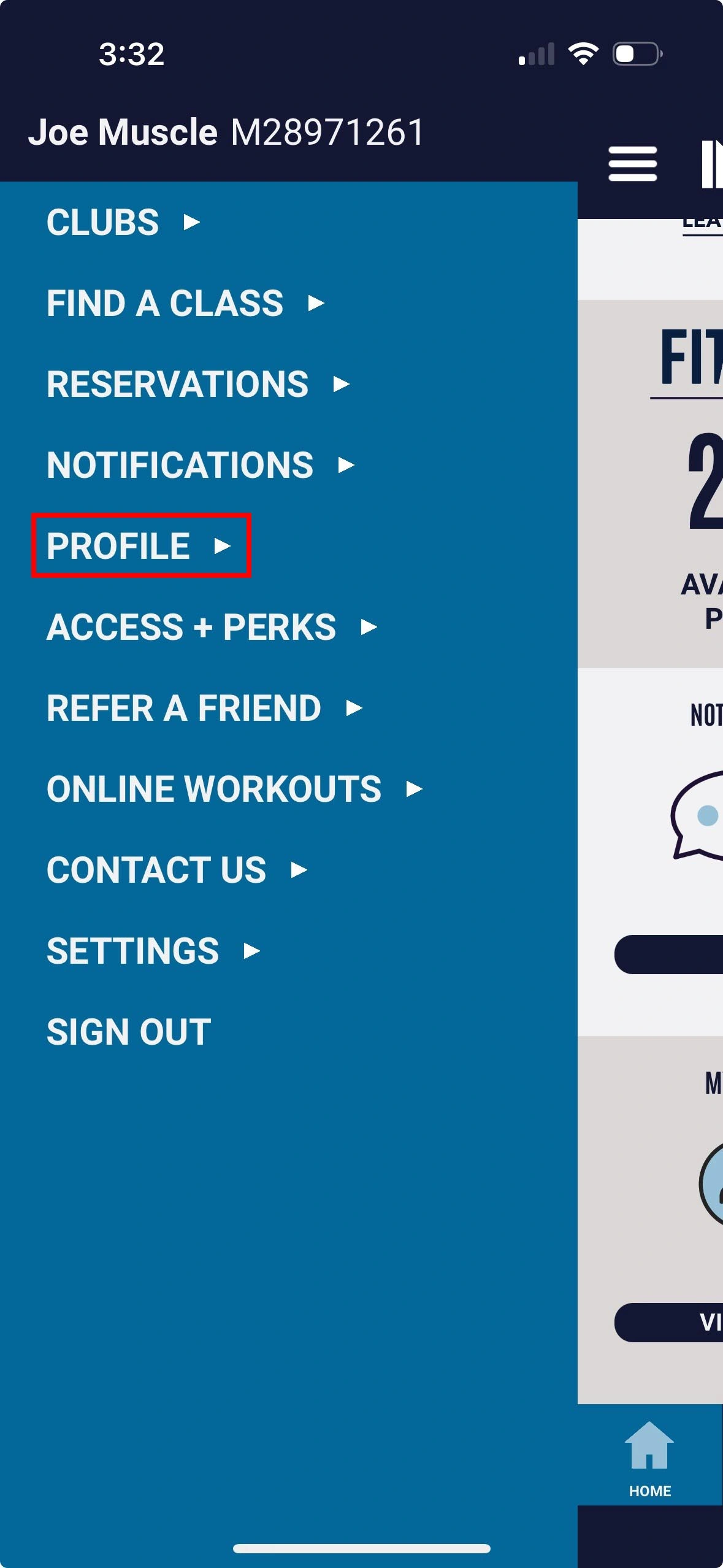
1. Select Profile |
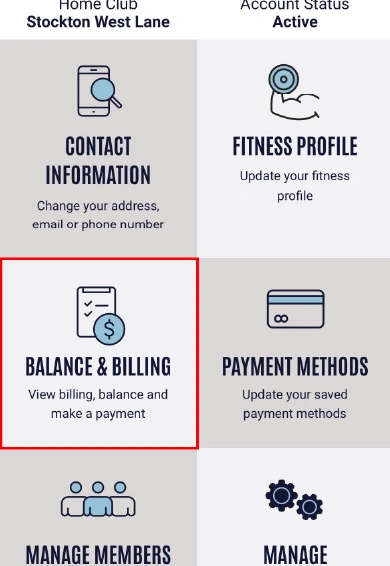
2. Select Contact Information option |